

All Brands
Common Online Threats That Antivirus Software Helps Prevent
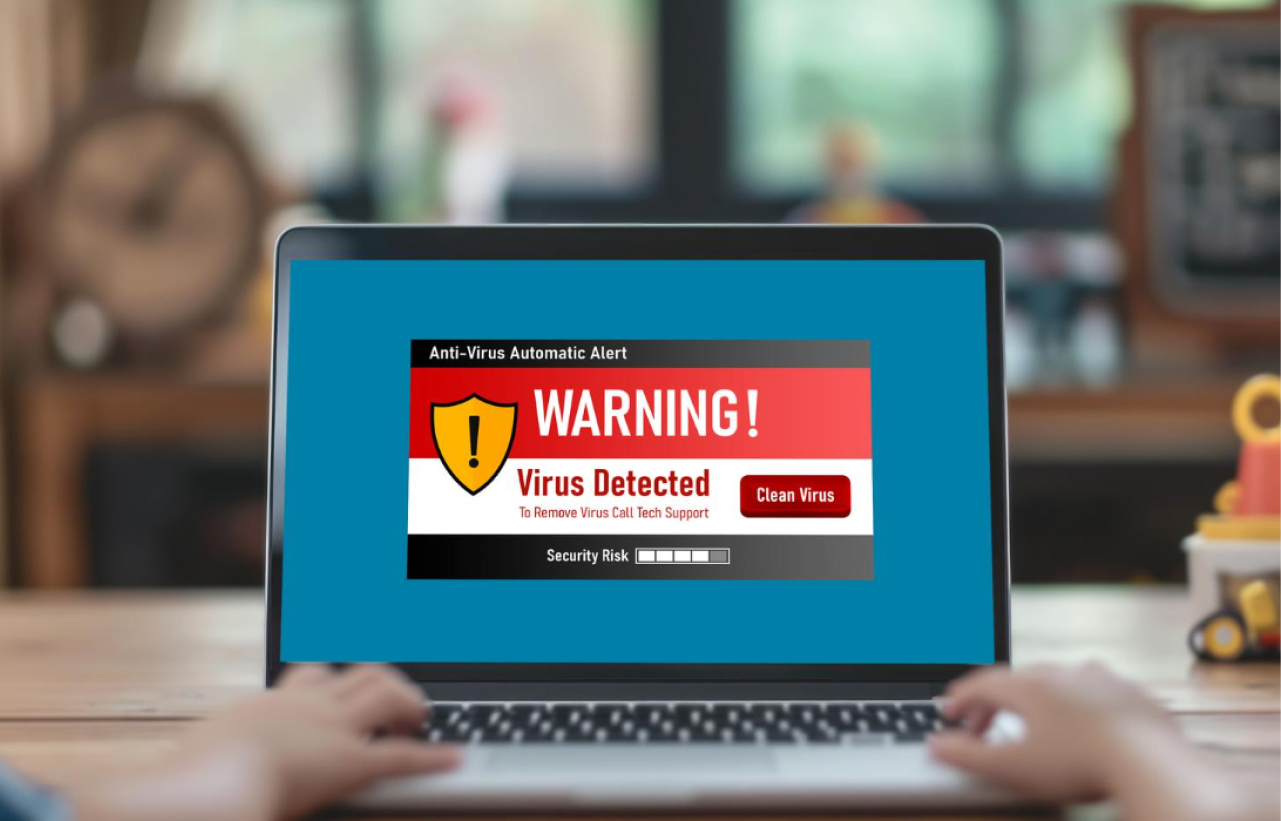
The internet has made it easier than ever to work, talk to people, and have fun. While these benefits are nice, there are also some risks that come with being online that can put personal gadgets and private data at risk. Cybercriminals are always coming up with new ways to take advantage of weak spots in systems and get to user data without permission.
It's common for people not to know that their gadgets have been hacked because many of these threats work in the background. This is why antivirus software is so important for keeping your computer safe. Antivirus software helps lower the risk of many online threats by looking for strange behavior and stopping harmful programs. Users can stay more aware and better protect their gadgets if they know about the most common threats.
Malware
When it comes to internet threats, malware is one of the most common types. "Malware" is a word for harmful software that is made to damage devices, mess up system processes, or steal private data.
Malware can get into a computer through unsafe websites, email attachments, or downloads that are already tainted. Once it's loaded, it might do things like damage files, slow down the system, or gather personal information.
By checking files and programs for malware before they are opened or loaded, antivirus software helps keep your computer safe. Antivirus software can find and stop malware before it does any damage by checking files against databases of known threats and looking for strange behavior.
Ransomware
Ransomware is one of the worst kinds of online threats. This kind of attack tries to keep people from getting to their files or computers. The attacker then asks for money to provide access to the locked data again.
Ransomware usually gets around through fake emails, harmful downloads, or websites that have been hacked. It locks files so they can't be opened after it's been turned on.
Modern antivirus programs have features that look for strange file behavior and attempt to encrypt files without permission. If the software notices fishy behavior, it can stop the process and warn the user before it does any real damage.
Phishing Attacks
Phishing attacks try to get people to give out private information like login credentials, bank information, or personal data. Most of the time, these scams look like real emails or websites that look like trusted services.
One type of phishing email might say it is from a bank or online service and ask the receiver to click on a link to confirm their account information. Cybercriminals can get the user's information if they put it on a fake website.
There are web security tools in some antivirus programs that can find phishing websites and let users know about them before they interact with them. This makes it less likely that you will be a victim of scams online.
Spyware
Spyware is software that can watch what users do without them knowing. Spyware can collect personal information, record keystrokes, and track what websites you visit once it's on a computer.
This kind of software can get into computers through unsafe downloads, apps that come with other programs, or websites that have been hacked. Many people may not know that their information is being watched because spyware works quietly in the background. Antivirus programs check system processes and look for strange programs that try to get to private data without permission, which helps find spyware.
Trojans
Trojans, which are also called "Trojan horses," are bad programs that look like good software. People may install them without meaning to when they download apps or files from sources they don't trust. Once Trojans are on a computer, they can open a back door that attackers can use to take control of the system or steal data from afar.
By looking at how programs work and matching files with known malicious signatures, antivirus software can help find Trojan horses. This helps keep programs that aren't supposed to be there from getting into the system.
Malicious Websites and Unsafe Downloads
A lot of cyber risks come from websites that have scripts or files that are infected with malware. Malware and other security risks can get on a device if it goes to a bad website or downloads software from a source that you don't trust.
A lot of antivirus programs have browsing security features that help users find dangerous websites and let them know before they go there. Also, some programs check downloaded files for risks automatically to make sure they are safe. These features make browsing the web safer and lower the chance of installing harmful software by mistake.
Conclusion
There are many good things about the digital world, but there are also some security problems. If you don't take the right safeguards, threats like malware, ransomware, phishing attacks, spyware, and Trojans can get into your devices and reveal private data.
A lot of people use antivirus software to keep their computers and other electronics safe from these threats. Antivirus programs help make the internet a better place by constantly watching what's happening on the system, scanning files, and looking for strange behavior. The risks of using the internet today can be greatly reduced by learning about common dangers and keeping up with reliable security measures.

How Multi-Device Antivirus Subscriptions Protect Your Digital Life
Common Online Threats That Antivirus Software Helps Prevent

Why Every Computer Needs Reliable Antivirus Protection Today
Key Features to Look for When Choosing Antivirus Protection

Why Antivirus Software Still Matters in Today’s Digital Worlds

Instant Access to Protection

Shop With Confidence

Protection for Multiple Devices

Safer Digital
Living
