

All Brands
Key Features to Look for When Choosing Antivirus Protection
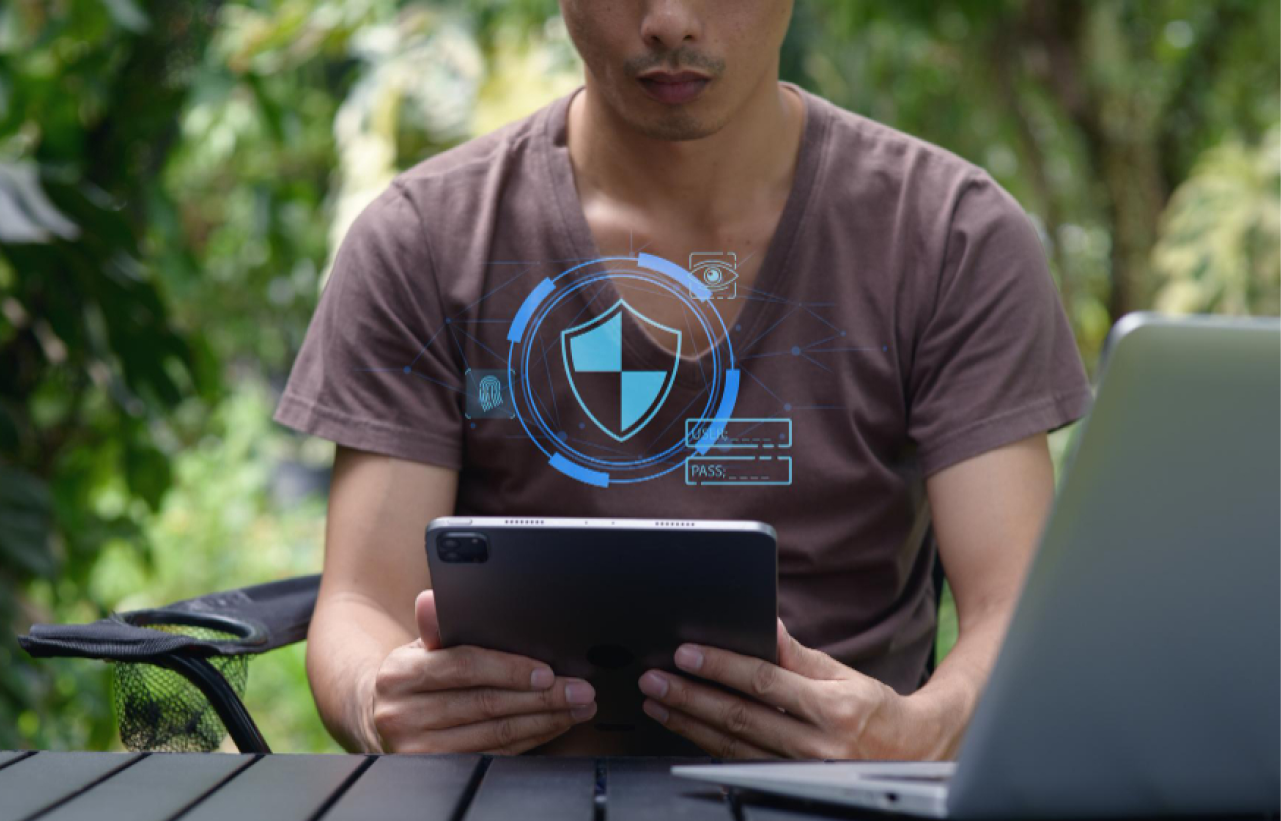
With more and more digital dangers, picking the right antivirus software has become a big deal for anyone who uses a computer, smartphone, or other connected device. Cyber dangers like ransomware, phishing attacks, and malware are always changing, so having good security software is important for today's digital life.
There are, however, differences in how well different security plans protect you. Some are mostly about finding viruses, while others offer more comprehensive security features to protect personal information, online activities, and device performance. Knowing the most important things to look for in an antivirus program can help people pick one that fits their needs and gives them good online safety.
Real-time protection against threats
Real-time threat defense is one of the most important parts of any antivirus program. This tool scans files as they are opened, downloaded, or transferred, and keeps an eye on what's going on with the system all the time.
With real-time safety, bad files are found before they can do any damage to your device. Antivirus software can stop suspicious activity right away by looking at programs and system behavior in real time. This lowers the risk of getting malware attacks. Threats might not be found until after they have already done damage to the system or lost data if there isn't real-time tracking.
The Ability To Find Malware And Viruses
A good antivirus tool should be able to find many types of online threats, such as:
- Viruses
- Malware
- Spyware
- Trojans
- Ransomware
Signature-based identification and behavioral analysis are both parts of more advanced antivirus software that find both known and new threats. Signature-based identification checks files against a list of known malware, and behavioral analysis looks for strange behavior that could mean someone is trying to do harm. This multi-layered method helps protect against cyber threats that are always changing.
Protect Against Ransomware
Ransomware has grown into one of the biggest threats to computers in the last few years. Attacks like these try to keep people from getting to their files or computers until they pay the attacker.
A lot of current antivirus programs have ransomware protection features that watch for attempts to change or encrypt important files. If the software sees something that doesn't seem right, it can stop it and let the person know. Giving your files, pictures, and other important information, this kind of protection helps keep them safe.
Web Safety And Safe Browsing
For a large part of internet threats, they come from unsafe websites, downloads, or ads. Users can avoid these risks with safe browsing tools, which let users know about possibly dangerous websites before they visit them.
Some security programs come with extra features that protect you on the web, like:
- Keeping bad websites from loading
- Stopping phishing attempts
- Looking for danger in downloaded files
- Keeping an eye on strange browser behavior
These tools help make browsing the web and doing other normal internet things safer.
Compatible with Multiple Devices
A lot of homes and businesses use more than one gadget, like laptops, desktops, smartphones, and tablets. When people choose antivirus software that works on more than one platform, they can cover all of their devices with a single subscription.
Some security tools are made to work with all kinds of operating systems, like:
- Windows
- Mac
- Android
- iOS
This gives people the freedom to keep their digital world safe in a consistent way.
Updates On Their Own
Because cyber threats change so quickly, antivirus software needs to keep its danger database up to date in order to keep working. The software can find the newest malware and security holes because it gets updates automatically.
When antivirus programs update themselves automatically, users get the most up-to-date protection without having to run updates themselves. Regular updates also help keep the system safe and improve the technology used for identification.
Effects on System Performance
Devices should be safe with security software that doesn't slow them down too much. Antivirus programs that work well are made to run in the background and use as few system resources as possible.
The software can check for security without getting in the way of normal gadget use with features like smart scanning and scheduled scans. This helps keep a balance between strong security and smooth system operation.
User-Friendly Interface
How easy it is to use is another important thing to think about when picking antivirus software. A well-thought-out interface makes it easy for users to get to security features, run scans, and check on the state of protection.
Users can easily handle their digital security without needing to know a lot about computers, thanks to clear dashboards, simple controls, and helpful notifications. This makes sure that users can quickly react to alerts or do the security checks that are needed when they need to.
Conclusion
It takes more than just installing any security program to choose the right antivirus defense. A good antivirus program should have important features like real-time security, advanced malware detection, ransomware defense, safe browsing tools, and regular updates. Users can choose software that protects their devices and personal data better and make better decisions about their digital security if they know about these key features. Using reliable antivirus software and following good hacking practices can help make your online experience safer and more secure in today's connected world.
How Multi-Device Antivirus Subscriptions Protect Your Digital Life
Common Online Threats That Antivirus Software Helps Prevent
Why Every Computer Needs Reliable Antivirus Protection Today
Key Features to Look for When Choosing Antivirus Protection

Why Antivirus Software Still Matters in Today’s Digital Worlds

Instant Access to Protection

Shop With Confidence

Protection for Multiple Devices

Safer Digital
Living
